← Back to guides
Integrations
Get a Twilio phone number (Agent AI calls)
Buy a Twilio number and copy your Account SID and Auth Token into RoyLead so the AI agent can place outbound calls.
Updated on June 18, 2026
The AI agent places calls through your own Twilio number. You buy the number on Twilio and paste three values into RoyLead; we import the number into your ElevenLabs workspace on Connect.
Steps
- Go to twilio.com and create an account.
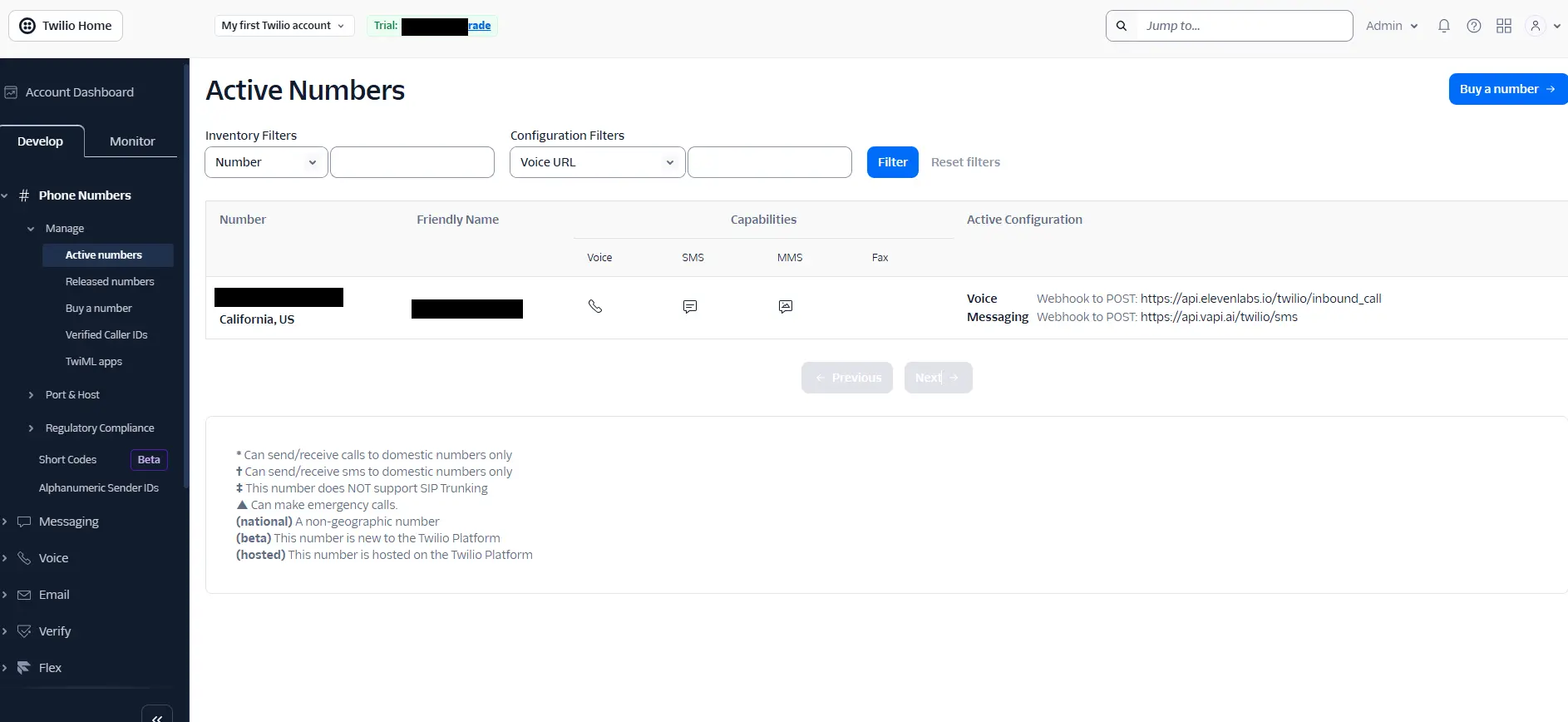
- Under Phone Numbers → Buy a number, buy a number with Voice capability. For calling Italy an Italian number gives the best pickup rate (it may require document/regulatory verification — allow 1–2 days).
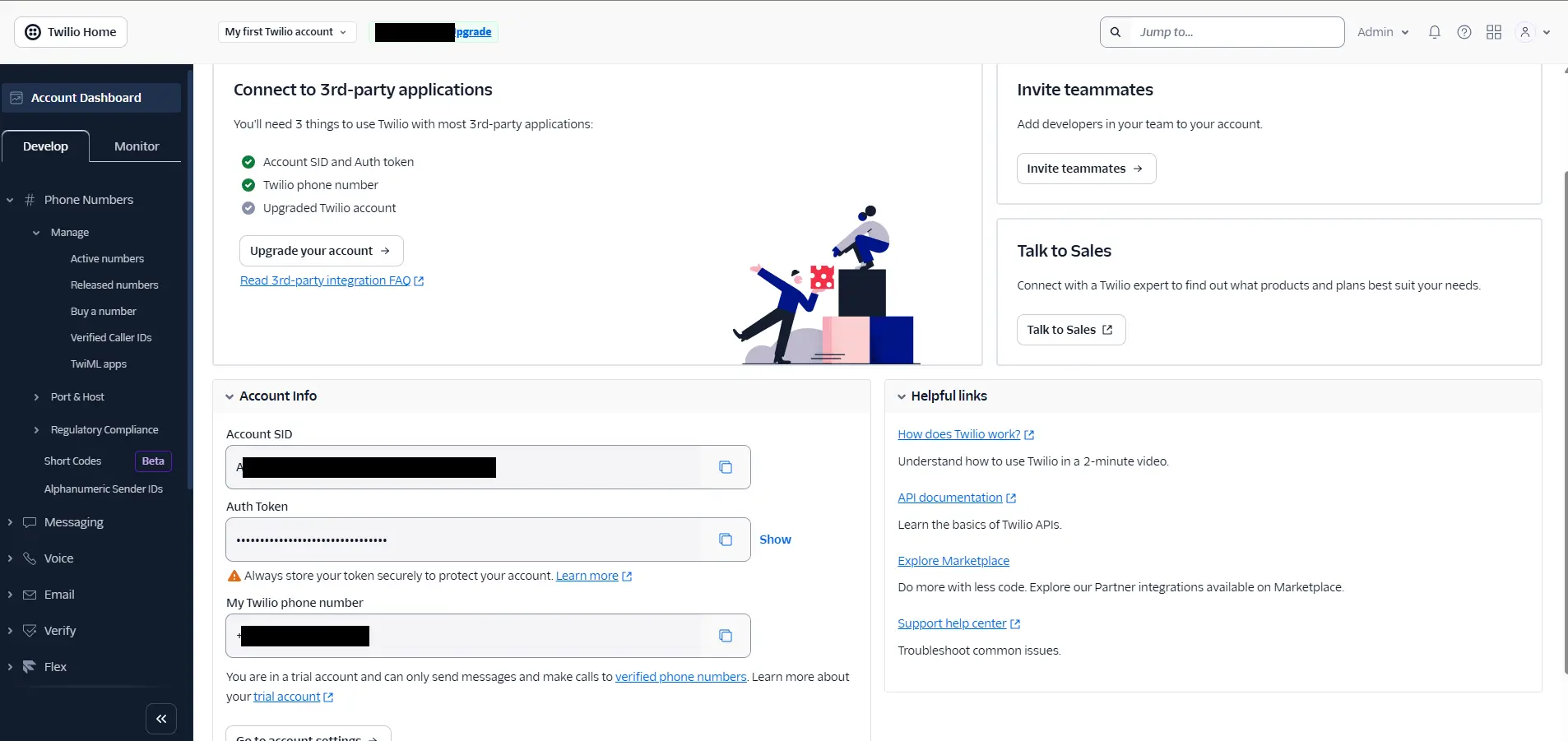
- From the Twilio Console copy your Account SID and Auth Token.
- In RoyLead go to Settings → AI Tools → Agent AI and fill in Account SID, Auth Token and the phone number (E.164, e.g.
+39…), then Save. - Click Connect to finish the setup.
💡 The SID/Token are stored encrypted and used only to import the number into your ElevenLabs workspace. Calls are billed by Twilio + ElevenLabs to your accounts.
Ready to put this into practice?
Create your RoyLead account and start in minutes.