← Back to guides
Integrations
Get your fal.ai API key (Creative AI)
Create a fal.ai account, generate an API key and paste it into RoyLead so Creative AI runs on your own account.
Updated on June 18, 2026
Creative AI (image and video generation) runs on your own fal.ai account — you pay fal.ai directly for what you generate. Add your key once and the tool is enabled for your team.
Steps
- Go to fal.ai and sign up (or log in).
- Add a payment method under Billing — generations are pay-as-you-go.
- Open fal.ai/dashboard/keys and click Create key.
- Copy the key (it starts with
fal_/ a long token) — you see it only once. - In RoyLead go to Settings → AI Tools → Creative AI and paste the key, then Save.
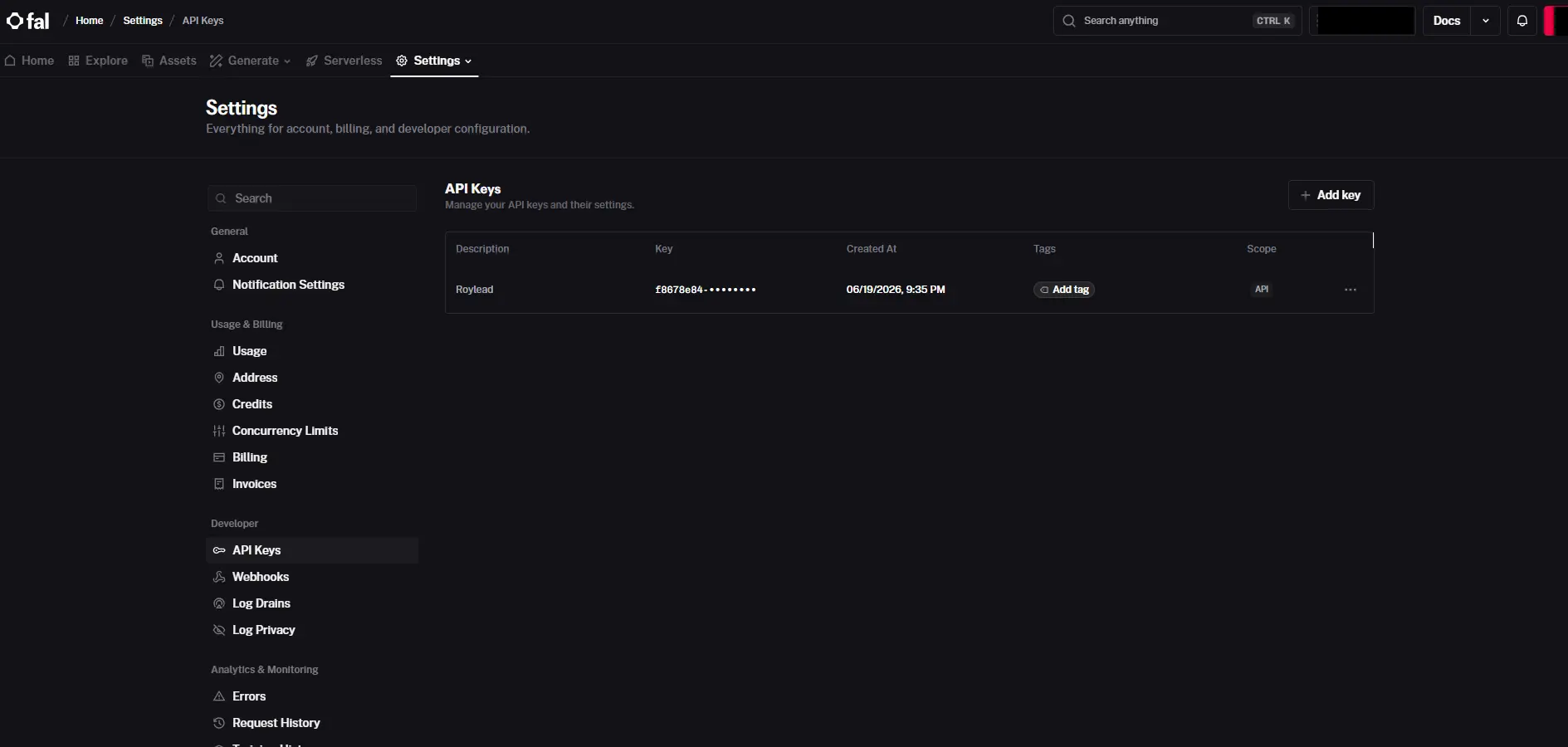
That's it: the Creative AI generator is now enabled for your team.
💡 The key is stored encrypted and never shown again — only the last characters are displayed. To rotate it, create a new key on fal.ai and paste it here again.
Ready to put this into practice?
Create your RoyLead account and start in minutes.